Anatomy of the CakeMiami homepage

This is the homepage of a pavlova bakery in Miami, built as a storefront on Shopify. It is built for someone deciding whether to order today.

Below is the page in the order someone scrolls it, with a note on what each band is there to do.

CakeMiami · cakemiami.com

  1. The CakeMiami header: the wordmark, the store’s menu, and search and cart icons. The review banner above the header is cropped out.

    The header keeps the order and the question one tap apart. The cart and the search sit at the top of every page, and on a wide screen the phone number sits in the menu beside them.
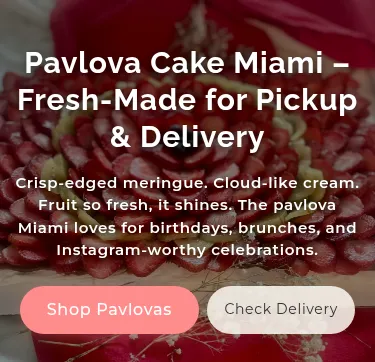
  2. A full-width photograph of a strawberry pavlova carrying the headline, three lines of description, and two buttons, Shop Pavlovas and Check Delivery.

    The hero is the product, photographed, with two actions. One for someone ready to buy, one for someone still checking whether you can get it to them.
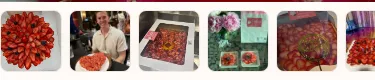
  3. A row of small photographs of cakes on tables and counters, and of people holding boxed cakes.

    Real photographs run directly under the hero. Real people with the real product, in the first screen, before the storefront asks for anything.
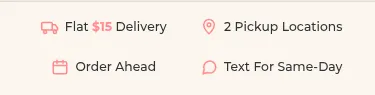
  4. A pale band of four short lines with icons: delivery, pickup locations, order ahead, and text for same-day.

    The things people ask before buying, answered in one row. Delivery, pickup, ordering ahead, same-day: the questions that otherwise become a phone call, or a lost order.
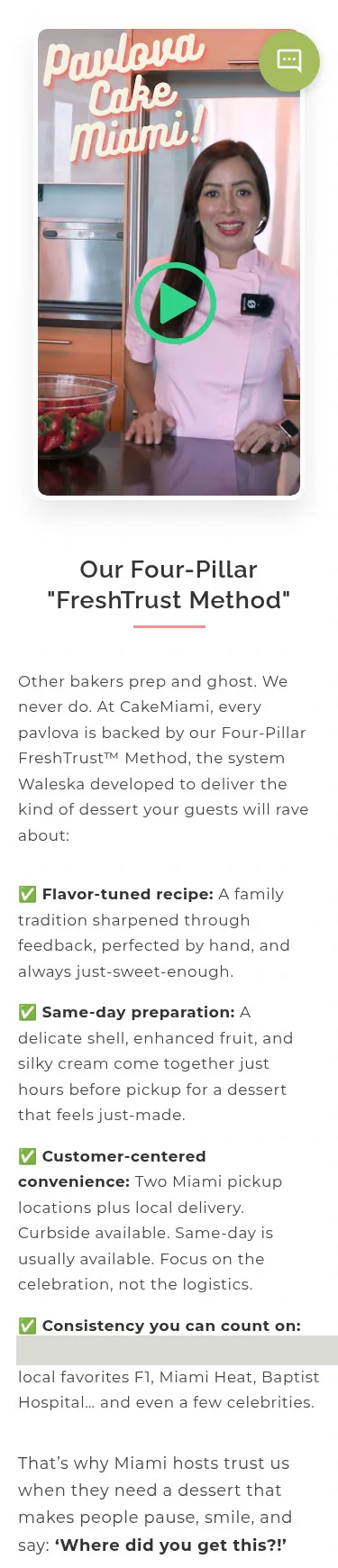
  5. A video still of a person in a pink chef’s jacket at a kitchen counter with a bowl of strawberries and a play button over it, with a heading and four short points. The review count in the last point is covered.

    The method explained on camera. A video from the bakery, on camera, sits beside the four points it stands on, so the brand has a voice and not only photographs.
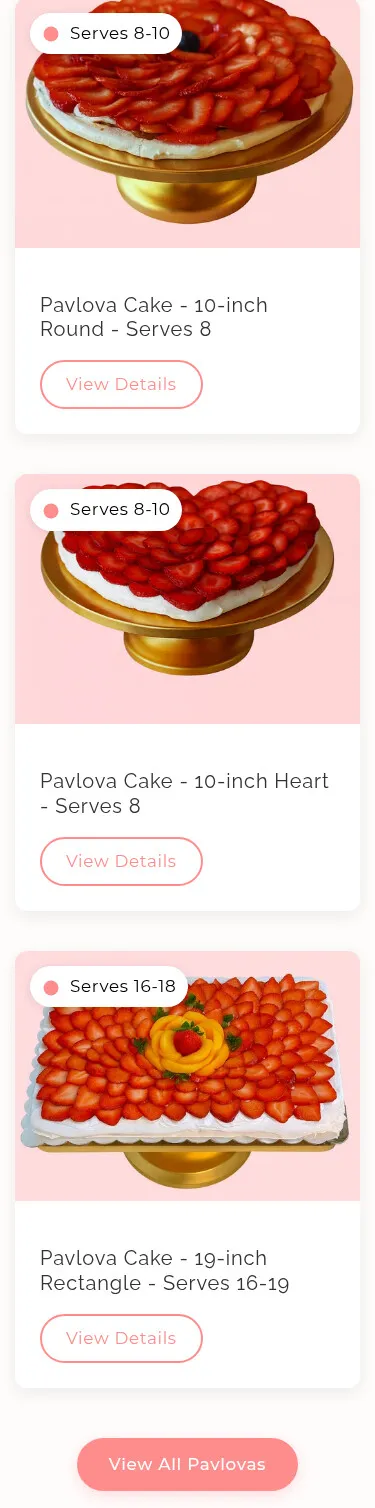
  6. Three product cards, each a photograph of a pavlova on a gold stand with a serves badge, a product name and a View Details button, and a button under them to view all pavlovas. The prices are cropped out.

    The products are sorted by what each one serves. Someone who knows how many people they are feeding never has to convert inches into portions.
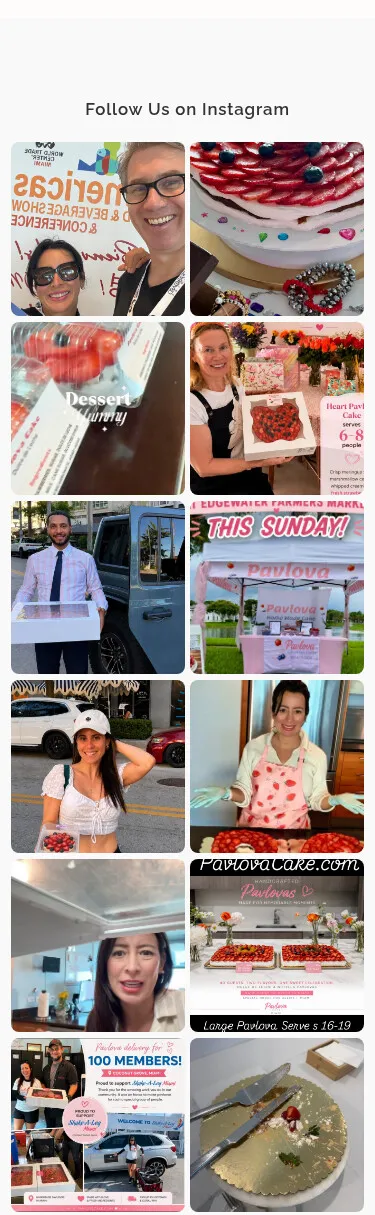
  7. A grid of Instagram photographs under the heading Follow Us on Instagram: people holding boxed cakes, a market stand, a kitchen bench, and cakes on display.

    The social feed comes back onto the page. Photos posted on Instagram run again on the homepage, so an asset made once is working in two places.
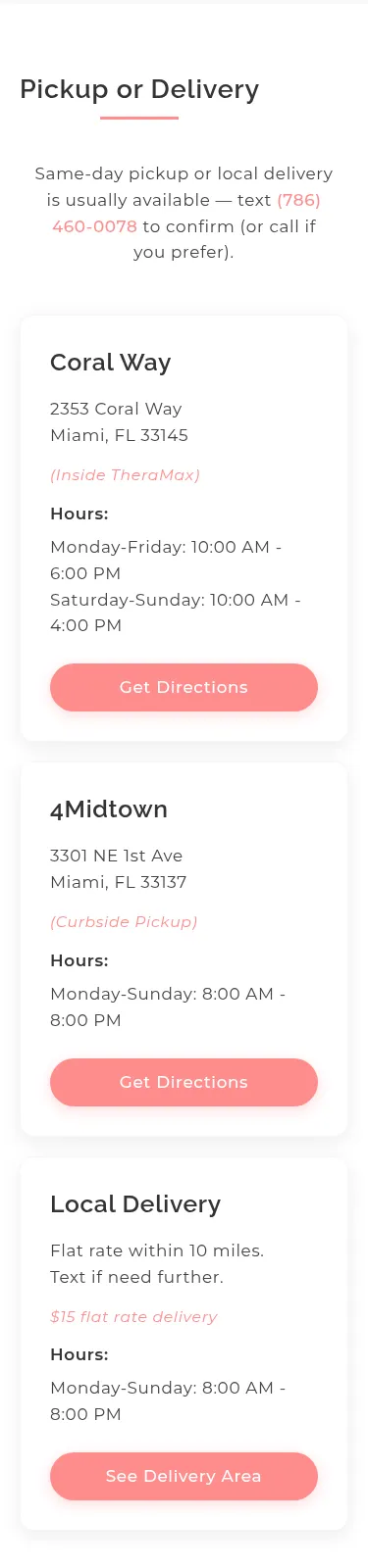
  8. Three cards under the heading Pickup or Delivery, each with a name, an address or delivery area, opening hours, and a button.

    Pickup, delivery and hours, on the homepage itself. Where to collect it, how far it gets delivered, and when: nobody has to hunt for whether they can get one today.
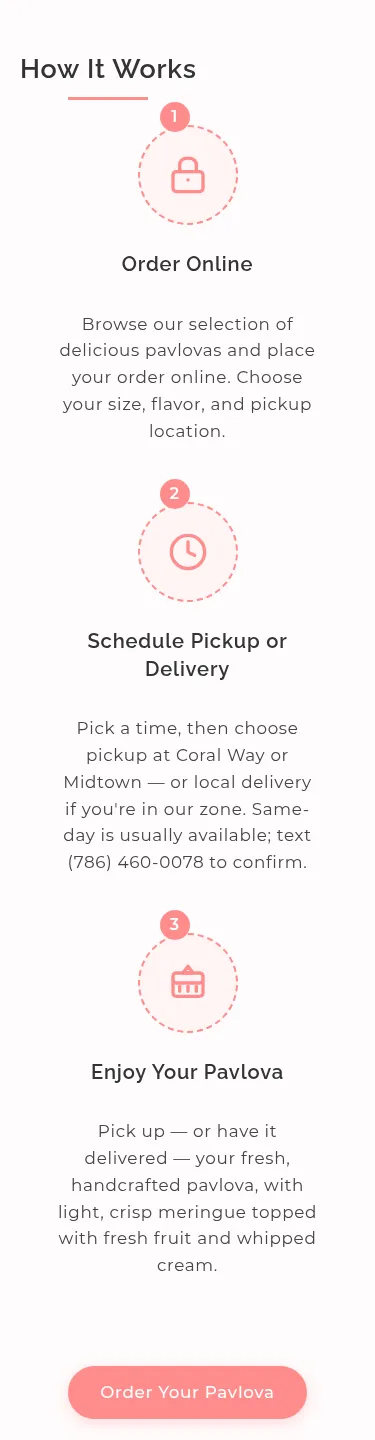
  9. Three numbered steps — order online, schedule pickup or delivery, enjoy your pavlova — each a circled icon with a title and a short paragraph, with an order button under them.

    The three steps of ordering, then the ask. The whole transaction in three lines, with the order button under it.

The page’s sections in order, as the storefront renders them at your screen width. Cropped out or covered: the review banner with its count, the five-star review count inside the method section, and the prices under the product cards. Faces are shown.