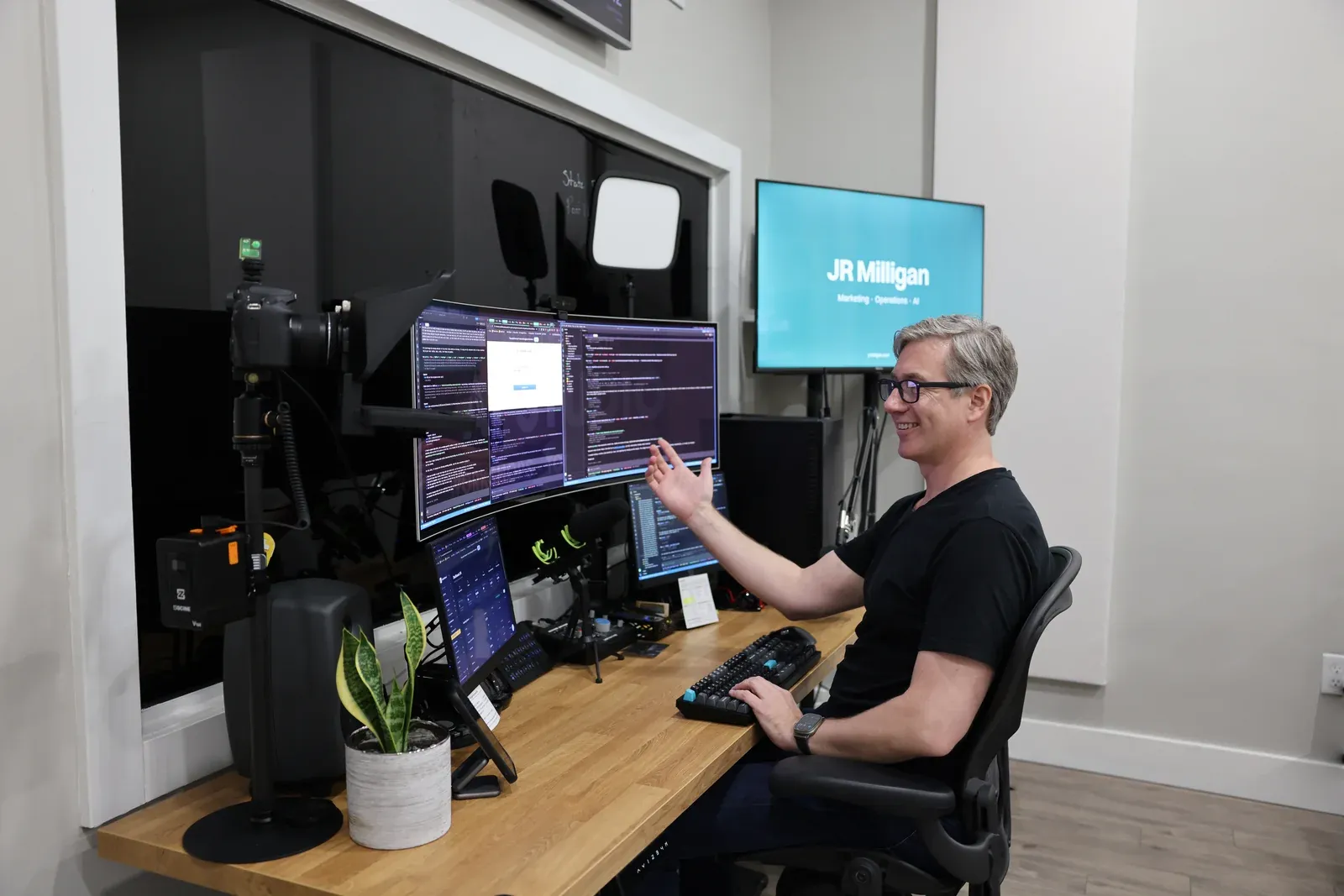
Very little of what I know about AI came from a video, and the fastest progress I've seen in other people has come from sitting next to them at their own computer.
How I actually learned AI
Mostly by doing real work with it, not by watching videos or finishing courses. Early on I bought a couple of small courses on Udemy, then, not really knowing what to buy, a lot more. I made it through maybe a quarter of each. Following along was slow, and the examples had nothing to do with my work: I was learning to use AI to post to Twitter and write haikus. The material was either below my level or above it, never right at it, and I didn't have time to keep hunting for one that did.
I watched plenty of YouTube too. The videos were inspiring. They showed me what was possible, and then I had to go and figure it out on my own.
What finally taught me was a real job. In March 2025 I needed a small app for a Shopify store, because Shopify couldn't do what we needed natively, and that's how I found Claude Code. I tried the easy route first, with tools that build an app for you in the browser, then decided to suck it up and learn the terminal. Through a lot of trial and error I went from running two AI agents at once to four, and then to long-running work, where the challenge was to see how long AI could keep going without me. It was hard and often extremely frustrating. It was also a lot of fun.
By July 2025 I'd seen how much it could do, and I've used it all day, every day since: around eight hours a day, at least six days a week, often ten or twelve. That adds up to an estimated 3,000 hours in the past year. There are faster ways to learn than mine. But it showed me where people get stuck, because I got stuck in most of those places first.
What YouTube is genuinely good for
YouTube is good for two things when you're learning AI: seeing what's possible, and solving one specific task you can already name. Years ago I made product and troubleshooting videos for a brand, and the clearest lesson was that people didn't come to learn a subject. They came to solve a problem. In hindsight, a handful of videos that each answered one question well would have done more than the growing library we kept adding to.
That's where YouTube shines for AI. It's a great eye-opener: watching what other people build is how I first saw what was possible. And if you know exactly what you want, like connecting two apps or finding a setting, a short, recent video can save you an afternoon.
| A YouTube video | Someone beside you | |
|---|---|---|
| Best for | Seeing what's possible, and one specific task you can already name | Changing how you run your business with AI |
| Knows your level | No. It's the same for everyone who presses play | Yes. It becomes obvious pretty quickly |
| Your setup | The creator's, which may look nothing like yours | Your computer, your files, your real tasks |
| When you're stuck | It just keeps going | "Try asking it this way" |
It breaks down when you need more than one tactical answer. Everyone sets up AI a little differently, so following along gets hard fast, steps get left out, and the one thing you need can sit forty minutes into a video you don't have forty minutes for. A lot of AI tutorials also apply it to the creator's own world: thumbnails, scripts, more videos. That's a real use of AI. It just isn't what your Tuesday looks like.
So use video for what it's good at. Search for the exact task rather than "learn AI," check the date and the version of the tool, and try each step on your own file before moving on. If you're still stuck after a reasonable stretch, another video rarely helps.
What a video can't see
A video is the same for everyone who presses play. It doesn't know you skipped a step two minutes ago. It can't see that your screen looks nothing like the creator's, and it can't tell that you already understand half of what it's explaining and none of the other half. It just keeps going.
I learned that the hard way. The longest I've ever been stuck was almost a week, on the login system for a CRM I was building. I stayed up late, went in circles, and kept missing warning signs I'd spot in seconds today. AI eventually found the problem, once I figured out how to ask it to step back and look at the whole situation. But someone who'd been there before could have sat down next to me and said "try asking it this way," and I'd have had that week back. The feeling is like needing to say something and not having the words. The answer is right there, you just can't reach it.
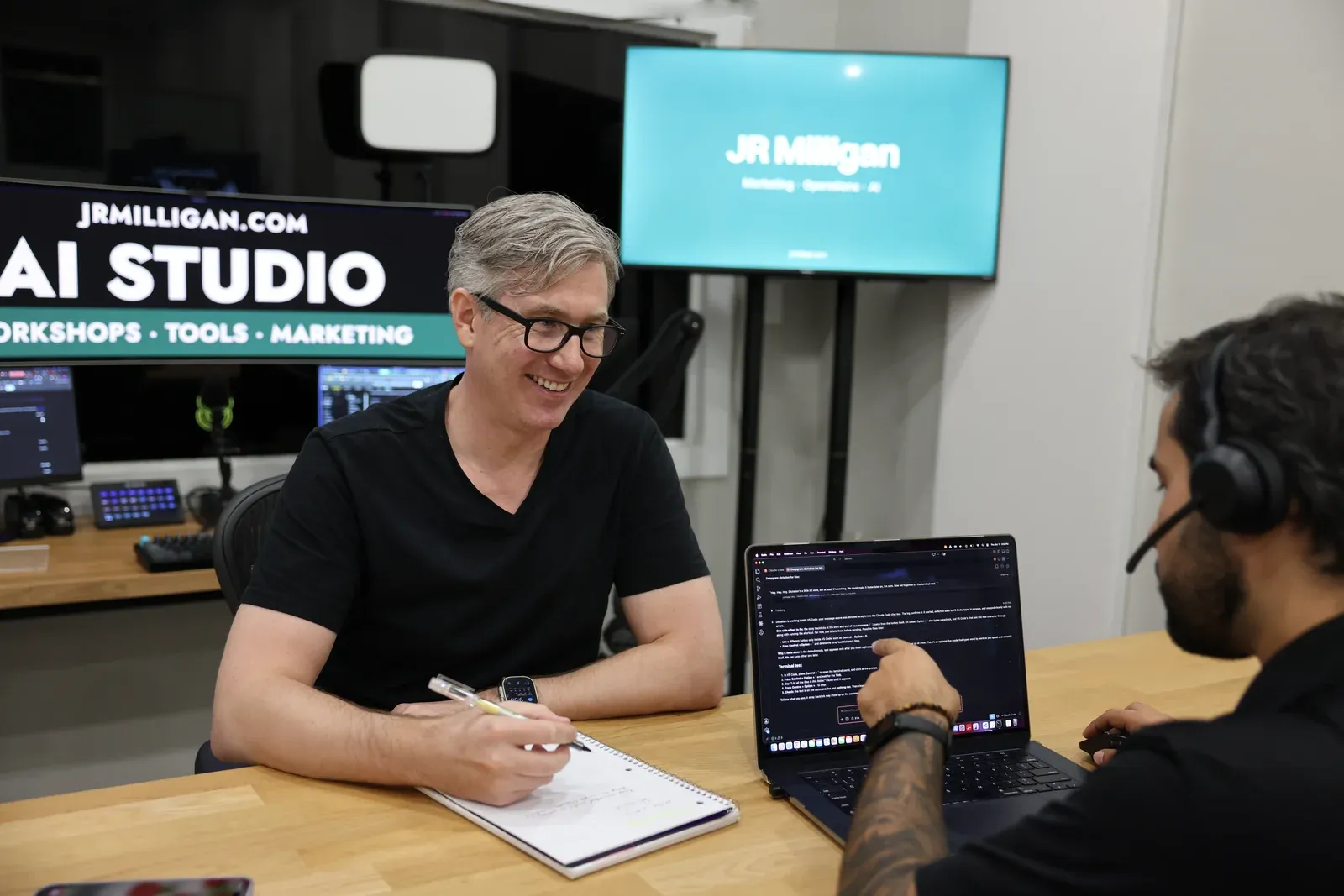
That's the part a teacher sees and a video never will. When you sit beside someone, it becomes obvious pretty quickly what level they're at and where the opportunity is. Last week I worked one-on-one with someone, and a couple of small commands they'd never come across changed how they work. I've seen it play out bigger, too. My executive coach, who's in his seventies, had built a few small things with AI in a browser. One session together on his own computer gave him the confidence to take off, and now he uses AI every day for his business, his finances and the rest of his life.
None of that came from a better tutorial. It came from someone who could see what he didn't know yet.
Practice on your own work, and what the research says
The gap between using AI and using it well closes with practice on real tasks: the emails, documents and decisions that already fill your week. With AI there's rarely one right way to do something, so watching someone else solve the same problem teaches you more than any single method. And confidence takes weeks of use, not one afternoon. If you already use AI and suspect you're only scratching the surface, I wrote a separate piece on why so many business leaders are barely using AI.
Most people still plan to teach themselves. In a Jobs for the Future survey of 3,020 people in November and December 2025, 62% said they planned to learn AI by experimenting on their own and 53% through YouTube or informal courses, compared with 16% through a paid college course. Thirty percent named difficulty finding reliable sources as a barrier. Business decision-makers look similar. In Thryv's April 2026 survey of 561 of them, 57% said YouTube and social media were their main source of AI training, and 70% said they need more training to use AI effectively. Thryv sells software to those businesses, so take that with some care.
The clearest link between training and use I know of comes from BCG's 2025 survey of 10,635 employees: regular AI use rose from 18% among people with no training to 89% among those with more than 10 hours. BCG advises companies on exactly this, and a survey can show a link but not a cause. None of these studies compares a video with a room. Everything else on this page is what I've seen at people's desks.
| Survey | Who was asked | What they found |
|---|---|---|
| Jobs for the Future Nov–Dec 2025 | 3,020 people | 62% planned to learn AI by experimenting on their own, 53% through YouTube or informal courses, 16% through a paid college course |
| Thryv April 2026 | 561 business decision-makers | 57% named YouTube and social media as their main source of AI training; 70% said they need more training |
| BCG 2025 | 10,635 employees | Regular AI use rose from 18% with no training to 89% with more than 10 hours |
Sources linked in the first column.
How my classes work
Our classes are hands-on: you work on your own computer with your own files, at your office or at my studio on Coral Way in Miami. They start from one idea: AI is a tool, not an oracle. It doesn't know your business until you tell it. So I coach people to explain the situation, the outcome they want and the environment they work in, often out loud with voice mode, because people say more when they talk than when they type.
We work on your computer, with your files and your real tasks, so you can do it again on Monday without me. There are a few big ideas I build into how everyone thinks about AI, and a handful of small habits you'll use many times a day.
In a group, everyone starts from the same job, and the agent drafts but never sends. By the end you should be able to open Claude or Codex back at the office, point it at a folder of your files, create and edit files with it, and have a second AI check the work. Both can be wrong, so you still check.
I build what I teach, too, including Millie, the AI receptionist that answers our office line, and the order system a bakery runs on.
There will always be another video. What changes how you work is someone who can see your screen.